No more charades with the same old words. Type any topic and Chanom brews a brand-new word deck in seconds — then lift the phone and play.
Free on iPhone, iPad and Android
Deck brewed Thai street food ·
Thai street food
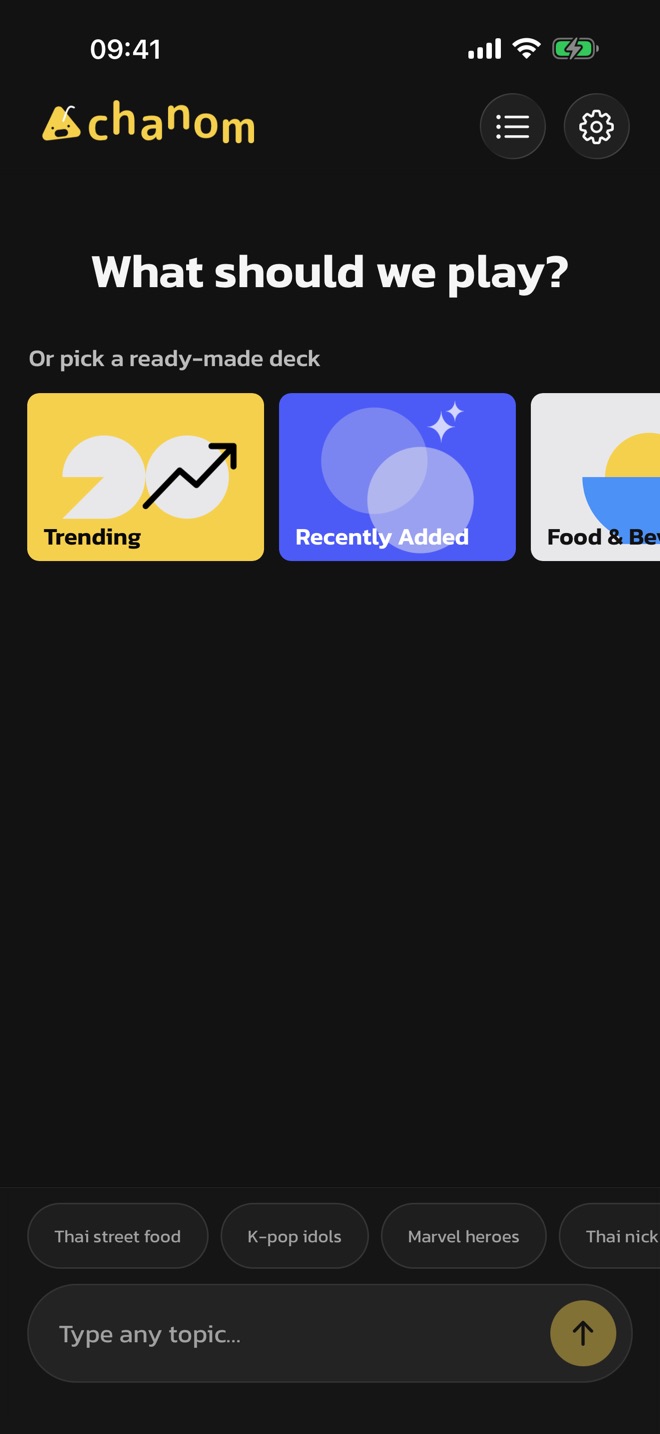
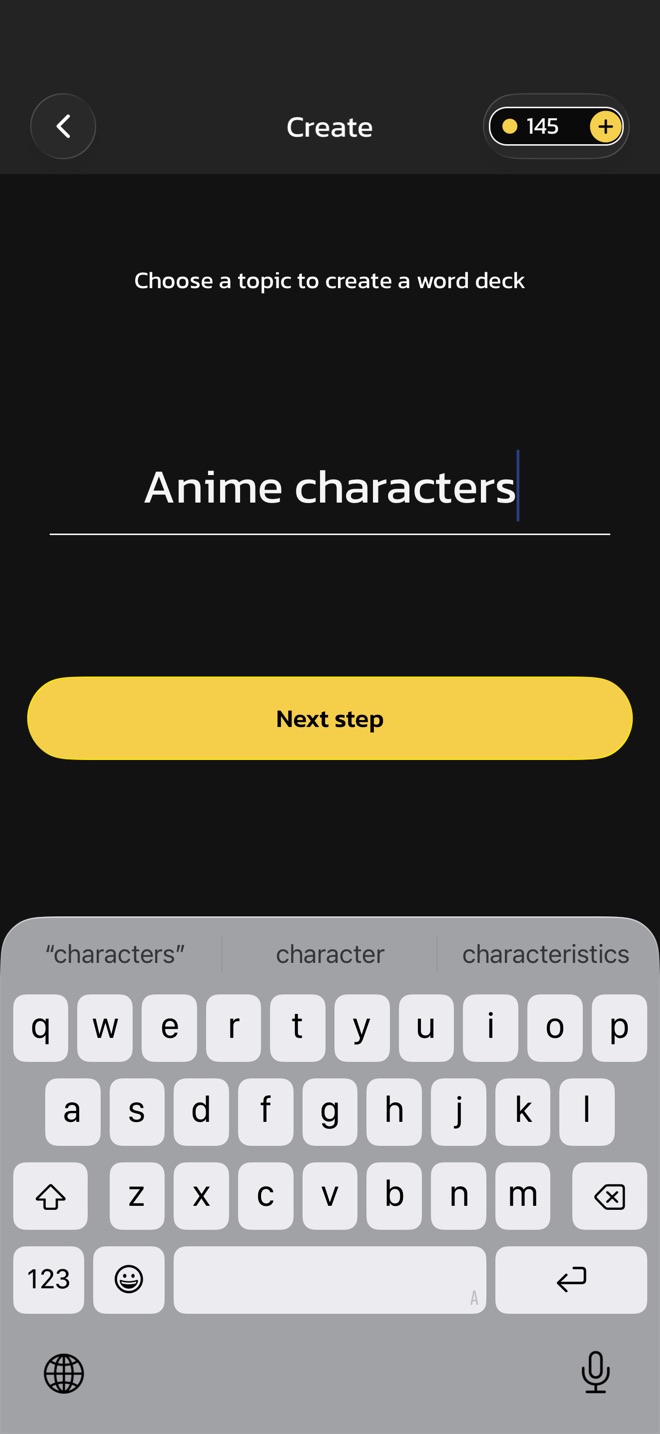
Type anything. Seriously.
How to play
Phone on your forehead. Friends go wild.
The classic party game you already know — with a deck that never runs dry.
1
Pick a deck and a time
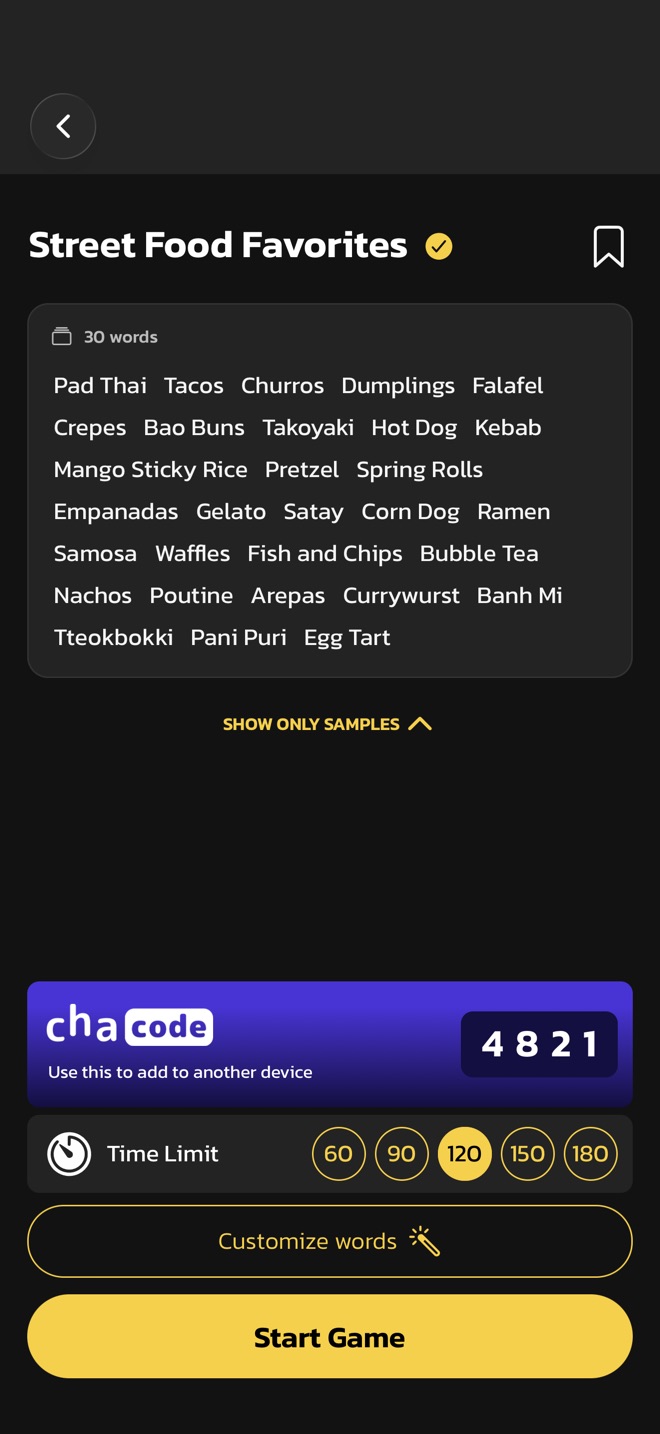
Choose a word deck and a time limit, then press start.
2
Hold it to your head
Turn the screen toward your friends and let them act, hum or describe the word.
3
Tilt to answer
Tilt the phone down when you get it right. Tilt it up to skip.
Mango Sticky Rice
120
Score: 0
Chanom AI
Generate unique words using AI
A show you're bingeing, your office in-jokes, Thai desserts — type any topic and Chanom AI brews a fresh deck of words for it in seconds.
Any topic, however niche
Decks in Thai or English
Pick tags to steer the words
Always up to date
Play with the most up-to-date words
Newer models, newer words. Chanom keeps up with the latest movies, songs, games and trends, so your deck never feels stale.
Fresh decks from an updated AI model
Peek at every word before you play
Save the decks your group loves
Customize
Not the word you want? Fix it your way.
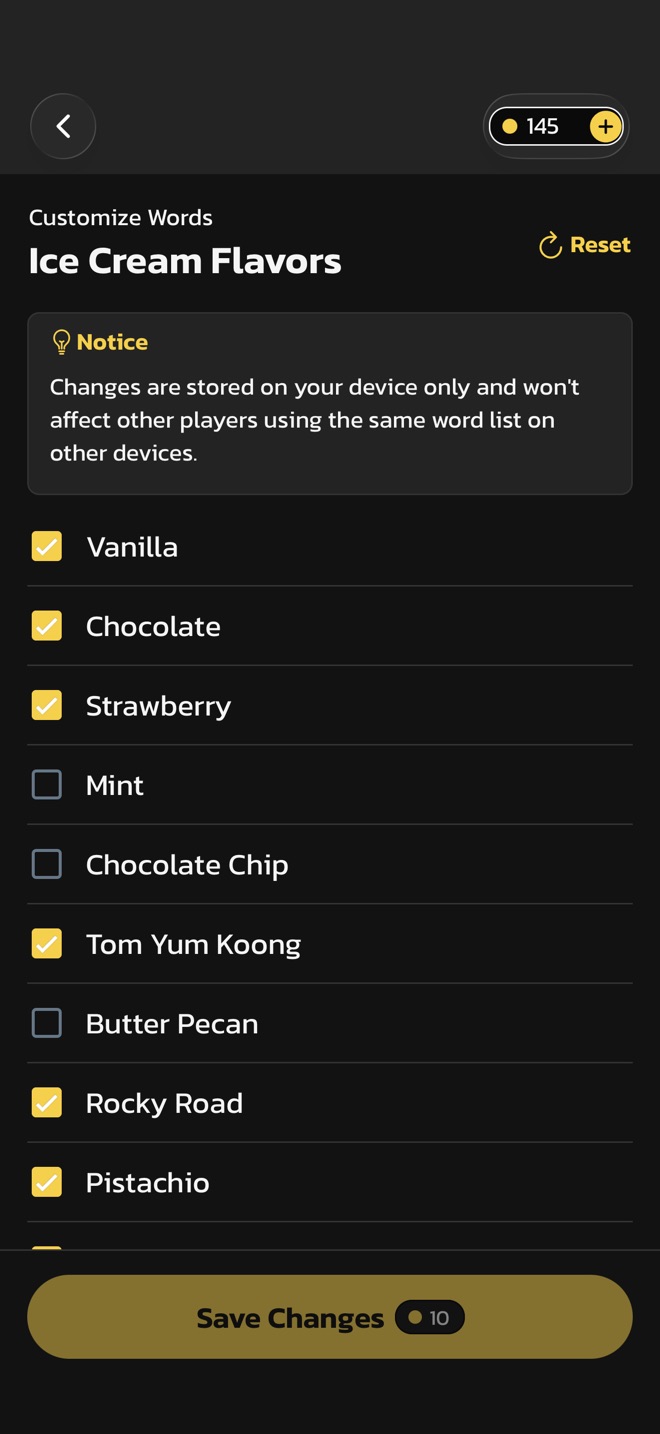
Untick the words that don't fit your crew, swap in your own and save. It's your party — your words.
Keep only the words that fit
Changes stay on your device
Reset to the original any time
Made for game night
Your go-to charades app
Everything you need to keep the party going.
Discover decks made by other players
Browse trending decks, fresh arrivals and categories from food to anime — ready to play in one tap.
See how your crew did
Every round ends with a score and the words you got or skipped. Share it to your story for bragging rights.
Summary4
Share a deck with a ChaCode
Every deck gets a 6-digit code. Enter it on another phone and you're playing the same words.
chacode
Use this to add to another device
482193
Rounds, your way
Pick a time limit from 60 to 180 seconds, and tune the tilt sensitivity to suit your crowd.
Download it, and the party never runs dry
Chanom is free on the App Store and Google Play.
FAQ
Questions? We've got answers.
How do I play Chanom?
One player holds the phone to their forehead with the screen facing the group. Everyone else acts out, hums or describes the word. Tilt the phone down for a correct guess and up to skip — get as many as you can before time runs out.
Is Chanom free?
Yes. Chanom is free to download and play. Creating a new deck with Chanom AI uses Chanom Coins, which you earn by finishing rounds or watching an ad. Chanom+ lets you create decks without limits.
Which languages does Chanom support?
Chanom is available in Thai and English — both the app and the word decks. You can change the language any time in Settings.
What is a ChaCode?
A ChaCode is a short code attached to a word deck. Enter it on another device to add the same deck there — handy when friends want to play your words.
How do I delete my data?
On iOS, if you signed in with Apple, go to Settings › Delete Account in the app. Otherwise, email us at contact@playchanom.com with the names or share codes of the decks you created, and we will delete them along with any other data linked to your app. Uninstalling the app removes everything stored on your device.
I found a bug. How do I report it?
Please email us at contact@playchanom.com with a description of the issue and we'll look into it promptly.